For founders
Board updates in your brand, with the numbers already in
Cue imports your brand from your website and reads MRR and collected revenue from Stripe, deals won from HubSpot and the rest from your finance sheet. Next quarter's deck is one click, last quarter's keeps last quarter's numbers, and you can send any of them as a link, a PDF or an editable PowerPoint file.
Free during early access.
The problem
Every quarter, the same deck from scratch
A board update has to be accurate, consistent with the last one and on brand. Most quarters it starts from last quarter's file: every number pasted again from Stripe and the finance sheet, every chart redrawn, every slide checked for a figure you missed.
Investor updates go the same way. The deck goes out as an attachment, and after that you don't know whether anyone opened it, or which slides held their attention.
Making board decks in Pitch or Gamma today? See how Cue compares, including where they do more.
How Cue helps
Set it up once. Every quarter after is one click.
-
On brand from the first slide
Paste your website's address. Cue reads its colors, fonts and logo into a brand kit, and every slide follows it. Each color pairing has to pass a contrast check, so a deck can't drift off brand or become hard to read.
-
Numbers from the source
Bind the key metrics to Stripe for MRR and collected revenue, HubSpot for deals won, or your finance sheet in Google Sheets. ChartMogul connects the same way. Each slide shows when its numbers were read.
-
Next quarter, one click
Start next review copies the deck, reads every bound number again, writes a What changed slide and flags any slide whose story the new numbers no longer support.
-
Send it, and see how it's read
Publish a snapshot and share it as a link or a PDF, or download an editable PowerPoint file. Share links show views and time per slide, counted without third-party trackers or IP addresses.
Presenting it live? Run the meeting from your phone, and board members follow on their own screens with a link. They don't need an account.
Templates
Start from a template
Each template has the slides that meeting needs and a presenter note on every slide. Or import your last board deck from PowerPoint or Google Slides, or paste a brief and Cue writes one.
-

Every quarter
Board update template
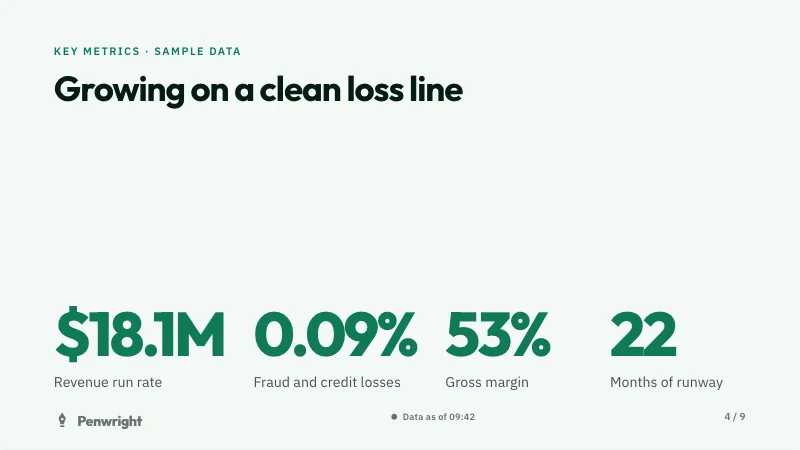
9 slides for the board or investor meeting: the quarter in one sentence, key metrics against plan, ARR, highlights and lowlights, next quarter, asks and the decision you need.
See the board update template -

Every week
Weekly business review template
8 slides for the weekly numbers meeting with your team: the headline, four key metrics, an 8-week trend, what changed, goals, risks and asks, the next two weeks and the decision you need.
See the weekly business review template
See all templates, including the sprint review.
Where your numbers come from
From billing, your CRM and the finance sheet
- Stripe
- ChartMogul
- HubSpot
- Amplitude
- PostHog
- Google Sheets
- CSV files
- JSON URLs
- Any MCP server
Each person connects their own account. Cue only ever calls tools that read.
Every quarter
Last quarter keeps last quarter's numbers
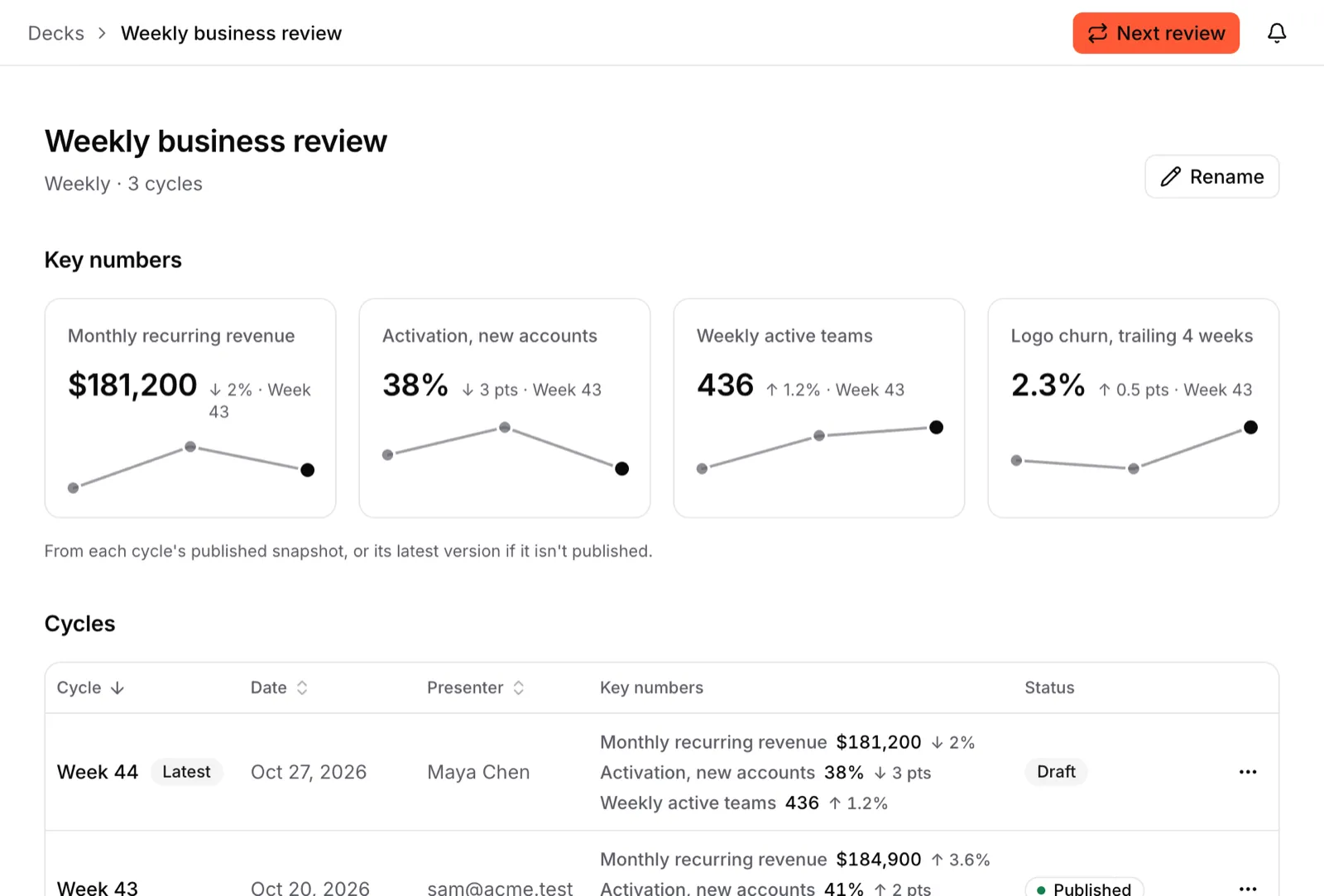
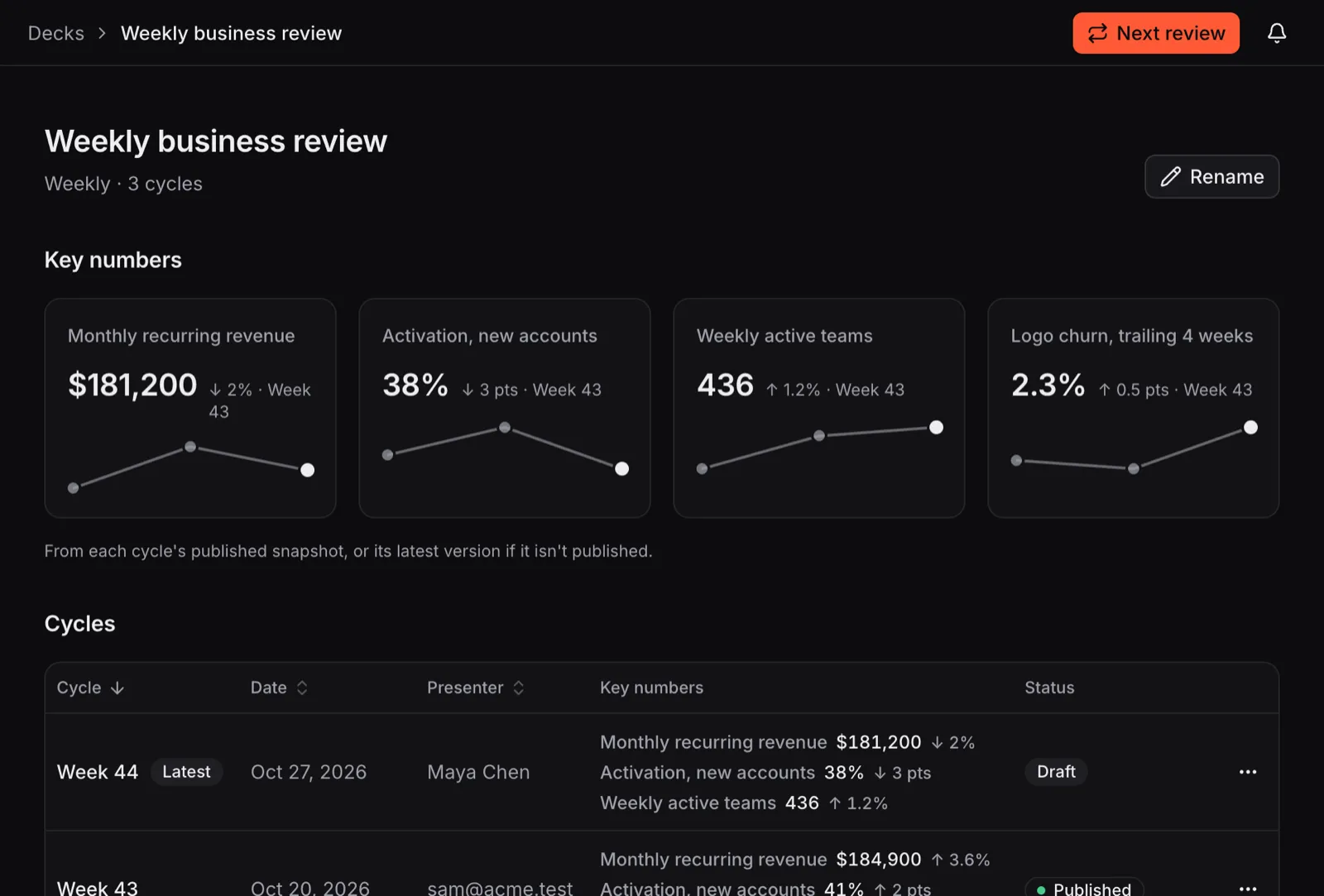
A series keeps each cycle with its date, presenter and key numbers, and charts the numbers across cycles. Publishing keeps a snapshot, so the version you sent keeps its numbers.
- Every change is a version that records who made it, a person or an AI, and why.
- Edit by asking, in Cue or from Claude, ChatGPT or Cursor through Cue's MCP server.
- Roles from viewer to owner, and an audit log of who did what, when.
Can I see whether the deck was read?
Yes, in numbers: a share link shows its views and the time spent on each slide. Views are counted without third-party trackers or IP addresses, so they don't say who the viewer was.
Where are my numbers stored?
Cue runs on Cloudflare, and its database is in Cloudflare's Eastern Europe region. Tokens for the apps you connect are encrypted before they're stored, and Cue only reads from them. The privacy notice has the details.
What does Cue cost?
Nothing during early access: every workspace gets every feature, and there's no card to enter. Later, Team will be €15 per seat per month. Seats are only for people who edit: viewers and commenters are free, and anyone with a share link can open it without an account. See pricing.
Prepare next quarter's board update in Cue
Sign up with your email, import your brand from your website and start from the board update template. Free during early access.