Template · every quarter
A board update that starts from last quarter's
Nine slides for the quarterly board or investor meeting: the quarter in one sentence, the metrics against plan, what went well and what didn't, and the decision you need. Bind the numbers once, and next quarter's deck starts with them read again.
Free during early access. Sign up with your email, and the template opens in your workspace in your own brand.
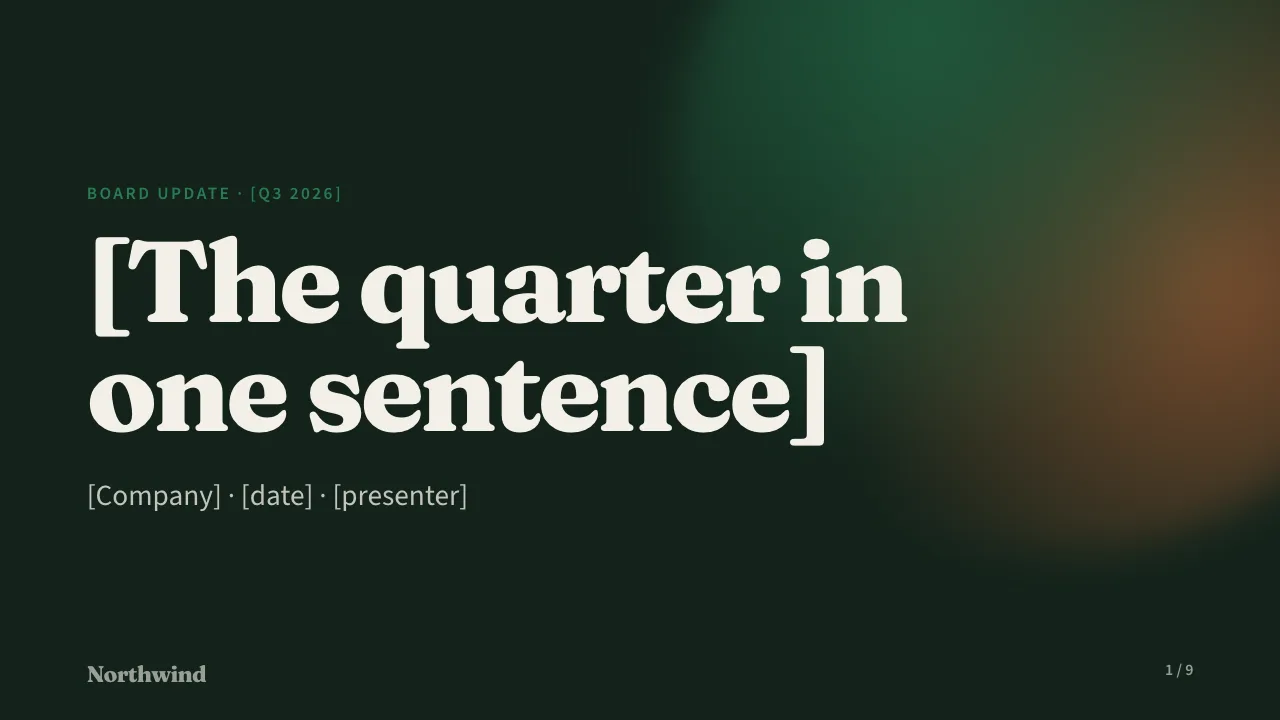
The template as Cue draws it, in a made-up brand kit. Blanks in brackets are yours to fill, by hand or from a brief.
When to use it
For the meeting that holds you to last quarter's plan
A board update has to be accurate, consistent with the last one, and short enough to discuss rather than read. Boards forgive bad news; they don't forgive surprises. Most founders rebuild the deck every quarter from last quarter's file, re-pasting every number and hoping none was missed.
This template keeps to what a board needs: the quarter in one sentence, the one thing to remember, key metrics against plan, ARR by quarter, plan vs actual, highlights and lowlights, next quarter, asks and the decision or vote. Each slide has a presenter note, and the deck takes about thirteen minutes to present.
Running a weekly business review or a sprint review too? There are templates for those.
How it works in Cue
Set it up once. Every quarter after is one click.
-
Start this quarter's deck
Pick the template and name the quarter. Paste your notes or investor letter draft as a brief if you like, and Cue's AI fills in the blanks. The deck is drawn in your brand kit, which Cue can read from your website.
-
Bind the numbers
Connect the key metrics and the ARR chart to where they live: MRR and collected revenue from Stripe, deals won from HubSpot, or your finance sheet in Google Sheets, a CSV file or a JSON URL.
-
Present or send it
Present it from your phone with the board following on their own screens, or publish a snapshot and share it as a link or a PDF. Share links show views and time per slide, counted without third-party trackers.
-
Next quarter, one click
Start next review copies the deck, reads every bound number again, writes a What changed slide and flags any slide whose story the new numbers no longer support.
Last quarter's deck keeps last quarter's numbers: every cycle is kept in a series with its date, presenter and key numbers.
What's in the deck
Every slide, and how to present it
9 slides, about 13 minutes when you present it.
Is the template free?
Yes. Every feature in Cue is free during early access, templates included. Later, the Free plan holds up to 3 decks; Team has unlimited decks, live data and Start next review.
Do board members need an account?
No. Anyone with a follow link or a share link can open it without an account.
Can I send it as a PDF or PowerPoint file?
Yes. Any deck downloads as a PDF or as an editable PowerPoint file with real tables and charts. Publishing keeps a snapshot, so the version you sent keeps its numbers.
Where are my numbers stored?
Cue runs on Cloudflare, and its database is in Cloudflare's Eastern Europe region. Tokens for the apps you connect are encrypted before they're stored, and Cue only reads from them. The privacy notice has the details.
Prepare next quarter's board update in Cue
Sign up with your email and the board update opens in your workspace. Free during early access.
Use this template